TWO REAL PAGES FROM THE GUIDE
Photograph the Minute Books
These are previews from the corrected guide. Page numbers refer to the complete book; read its instructions before using an individual form. The images are for preview, not fillable worksheets. Select an image to enlarge it, or open its text version.
Read this page as text
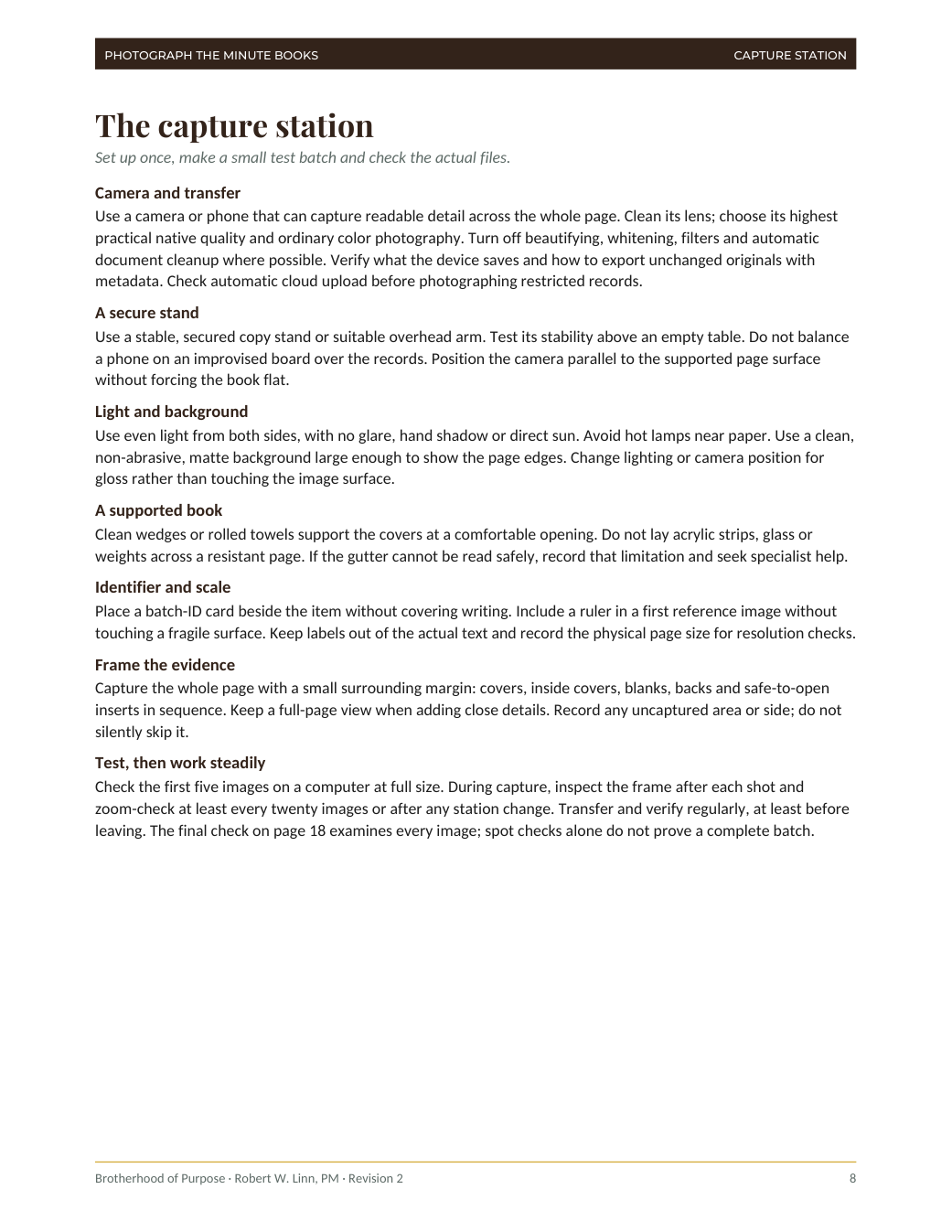
The capture station
Set up once, make a small test batch and check the actual files.
Camera and transfer
Use a camera or phone that can capture readable detail across the whole page. Clean its lens; choose its highest
practical native quality and ordinary color photography. Turn off beautifying, whitening, filters and automatic
document cleanup where possible. Verify what the device saves and how to export unchanged originals with
metadata. Check automatic cloud upload before photographing restricted records.
A secure stand
Use a stable, secured copy stand or suitable overhead arm. Test its stability above an empty table. Do not balance
a phone on an improvised board over the records. Position the camera parallel to the supported page surface
without forcing the book flat.
Light and background
Use even light from both sides, with no glare, hand shadow or direct sun. Avoid hot lamps near paper. Use a clean,
non-abrasive, matte background large enough to show the page edges. Change lighting or camera position for
gloss rather than touching the image surface.
A supported book
Clean wedges or rolled towels support the covers at a comfortable opening. Do not lay acrylic strips, glass or
weights across a resistant page. If the gutter cannot be read safely, record that limitation and seek specialist help.
Identifier and scale
Place a batch-ID card beside the item without covering writing. Include a ruler in a first reference image without
touching a fragile surface. Keep labels out of the actual text and record the physical page size for resolution checks.
Frame the evidence
Capture the whole page with a small surrounding margin: covers, inside covers, blanks, backs and safe-to-open
inserts in sequence. Keep a full-page view when adding close details. Record any uncaptured area or side; do not
silently skip it.
Test, then work steadily
Check the first five images on a computer at full size. During capture, inspect the frame after each shot and
zoom-check at least every twenty images or after any station change. Transfer and verify regularly, at least before
leaving. The final check on page 18 examines every image; spot checks alone do not prove a complete batch.
PHOTOGRAPH THE MINUTE BOOKS
CAPTURE STATION
Brotherhood of Purpose · Robert W. Linn, PM · Revision 2
8
Read this page as text
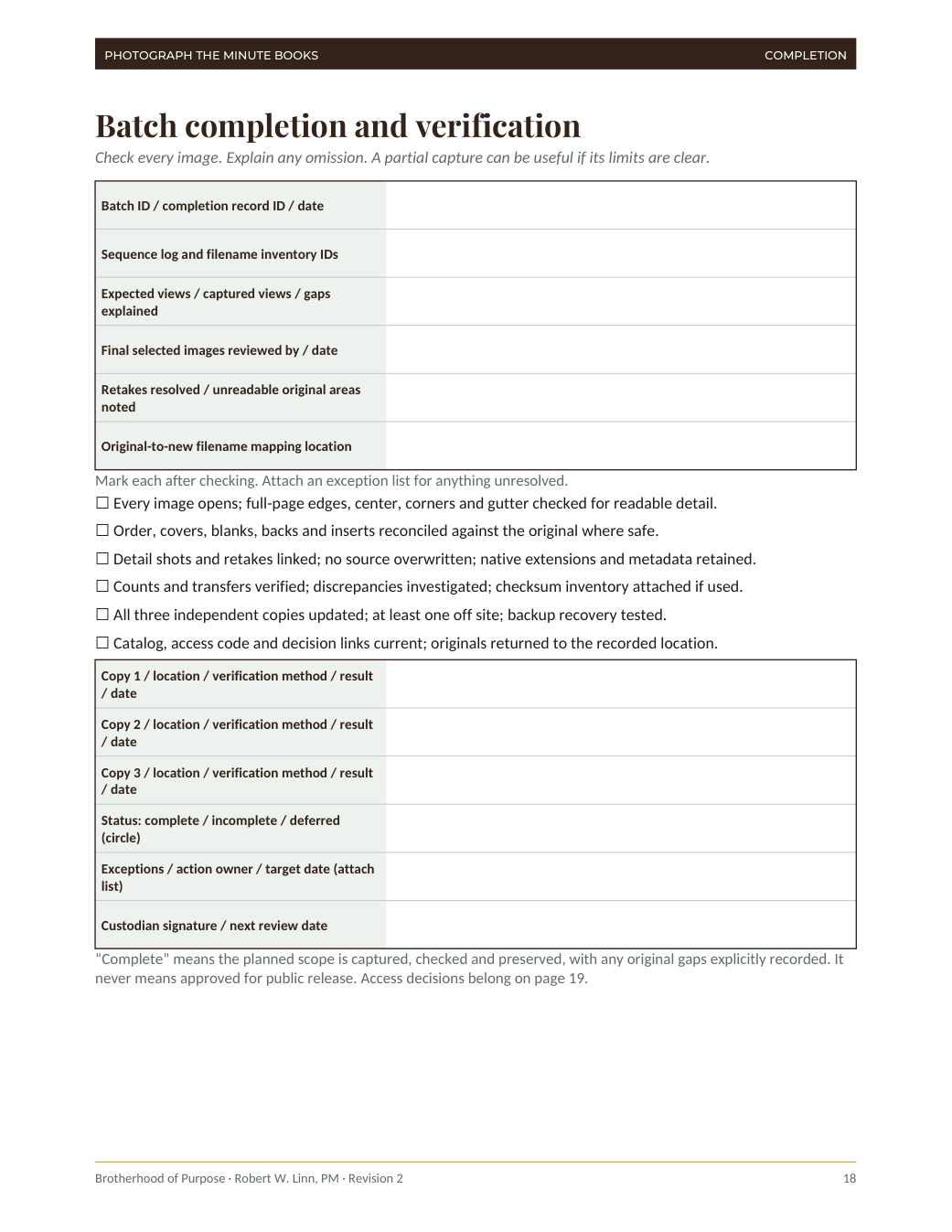
Batch completion and verification
Check every image. Explain any omission. A partial capture can be useful if its limits are clear.
Batch ID / completion record ID / date
Sequence log and filename inventory IDs
Expected views / captured views / gaps
explained
Final selected images reviewed by / date
Retakes resolved / unreadable original areas
noted
Original-to-new filename mapping location
Mark each after checking. Attach an exception list for anything unresolved.
☐ Every image opens; full-page edges, center, corners and gutter checked for readable detail.
☐ Order, covers, blanks, backs and inserts reconciled against the original where safe.
☐ Detail shots and retakes linked; no source overwritten; native extensions and metadata retained.
☐ Counts and transfers verified; discrepancies investigated; checksum inventory attached if used.
☐ All three independent copies updated; at least one off site; backup recovery tested.
☐ Catalog, access code and decision links current; originals returned to the recorded location.
Copy 1 / location / verification method / result
/ date
Copy 2 / location / verification method / result
/ date
Copy 3 / location / verification method / result
/ date
Status: complete / incomplete / deferred
(circle)
Exceptions / action owner / target date (attach
list)
Custodian signature / next review date
“Complete” means the planned scope is captured, checked and preserved, with any original gaps explicitly recorded. It
never means approved for public release. Access decisions belong on page 19.
PHOTOGRAPH THE MINUTE BOOKS
COMPLETION
Brotherhood of Purpose · Robert W. Linn, PM · Revision 2
18
Robert W. Linn, PM · Brotherhood of Purpose · Bosley Press